Create an album
Your wedding, a weekend away or everyday family life. Give your album a name and make it your place.
 Momentsby pix4.de
YOUR JOURNEY. YOUR STORY.
Your best photos are rarely all on one phone. Collect your journey in one private shared album.
Or start in your browserFor iPhone, Android and your browser.

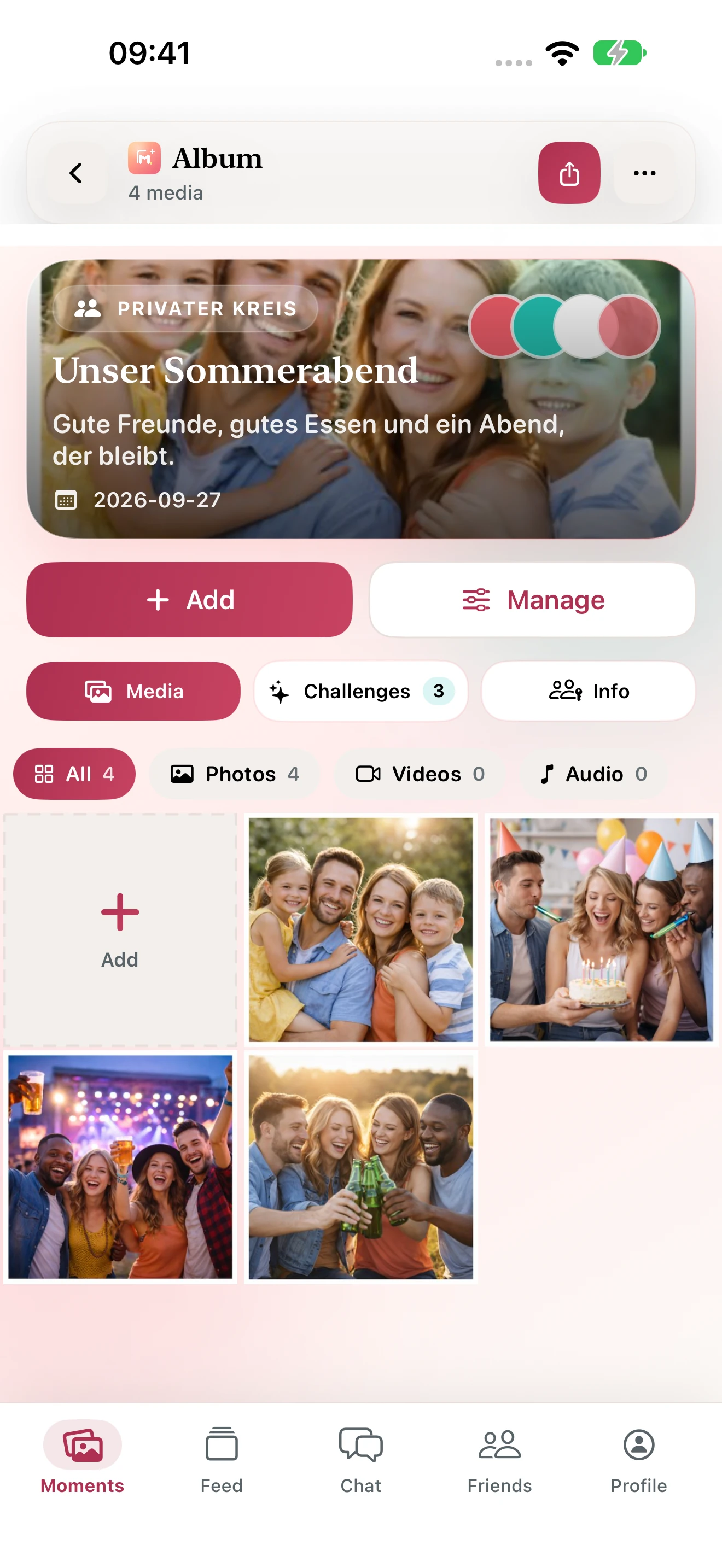
Your shared album.
All your photos together. Your people included.
YOUR JOURNEY. YOUR STORY.
Create a private album for your holiday or trip around the world. App update 1.3 adds visited places and planned stops. Switch from photos to your map, describe your pictures and keep your experiences in a travel journal.
Invite your travel companions with a link or QR code; the new apps also prepare invitations for WhatsApp, SMS and email. Choose separately who can see photos, places and journal entries. Add your route manually, or explicitly start sharing a live location while the travel album is open. Store publication of version 1.3.0 is still pending.
FROM THE FIRST PHOTO TO A SHARED ALBUM
Your wedding, a weekend away or everyday family life. Give your album a name and make it your place.
Share a link or QR code. Choose who can view, upload, comment and download.
Everyone adds their perspective. Enjoy your photos together and download your full album as a ZIP.
BIG DAYS. LITTLE MOMENTS.
Moments brings together the pictures scattered across everyone’s phones.
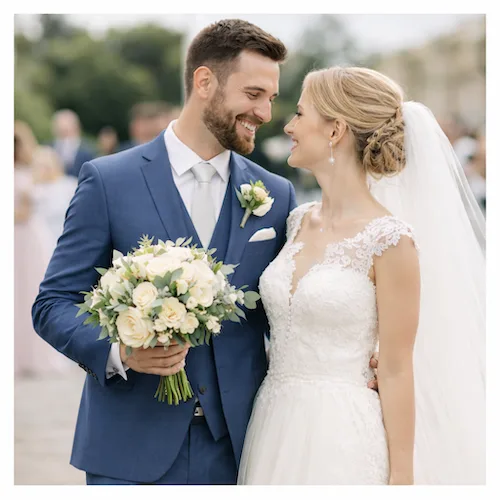
Every guest sees your day differently. Bring every perspective into one album.
Collect wedding photos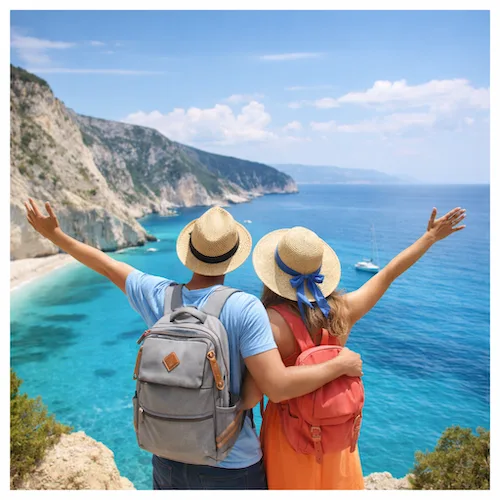
Sunsets, day trips and everything in between. One shared album for your journey.
Share travel photos
Little adventures, birthdays and time together. For the people who matter to you.
Explore family albumsMOMENTS, JUST AS IT SHOULD FEEL
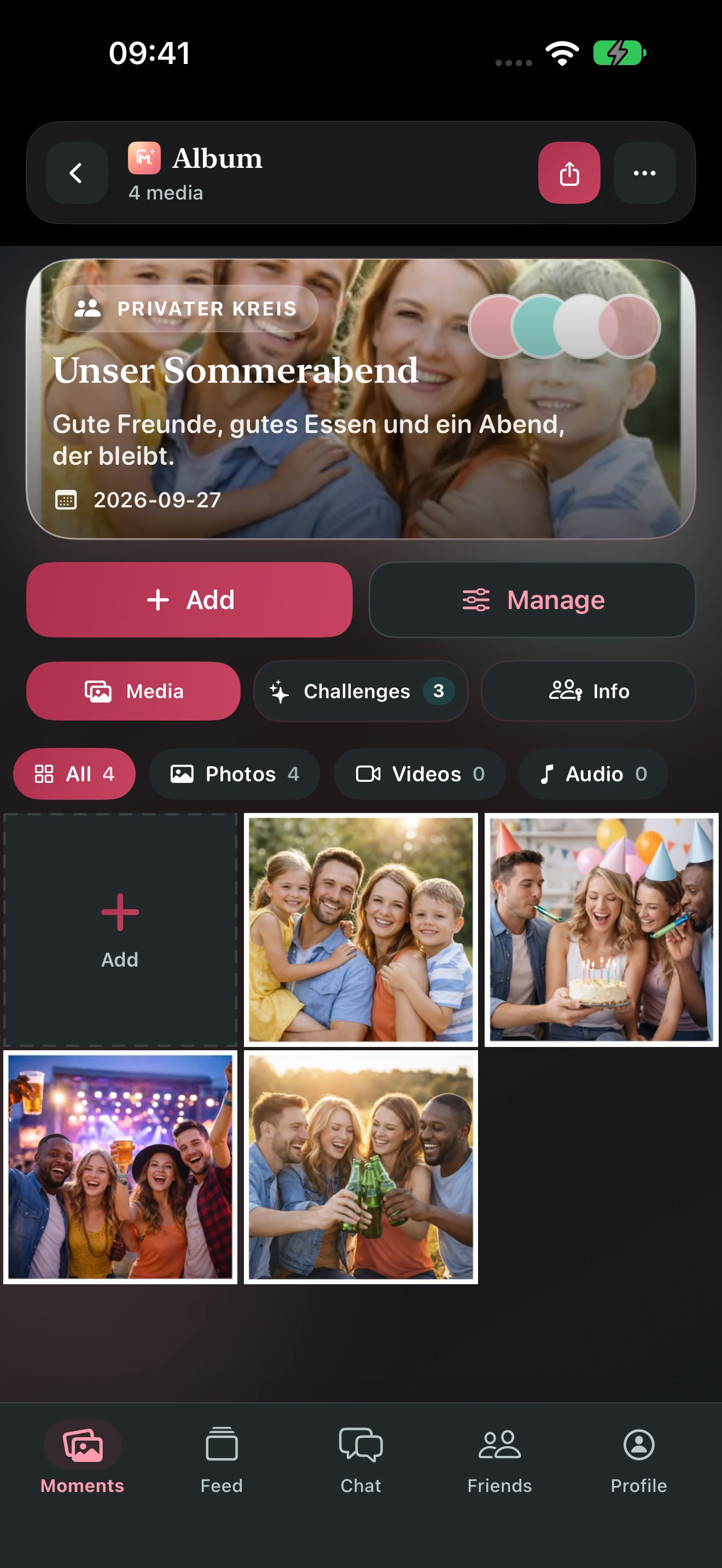
Clear, calm and intuitive. Explore the new app with room for your memories.
Private albums for your favourite people.
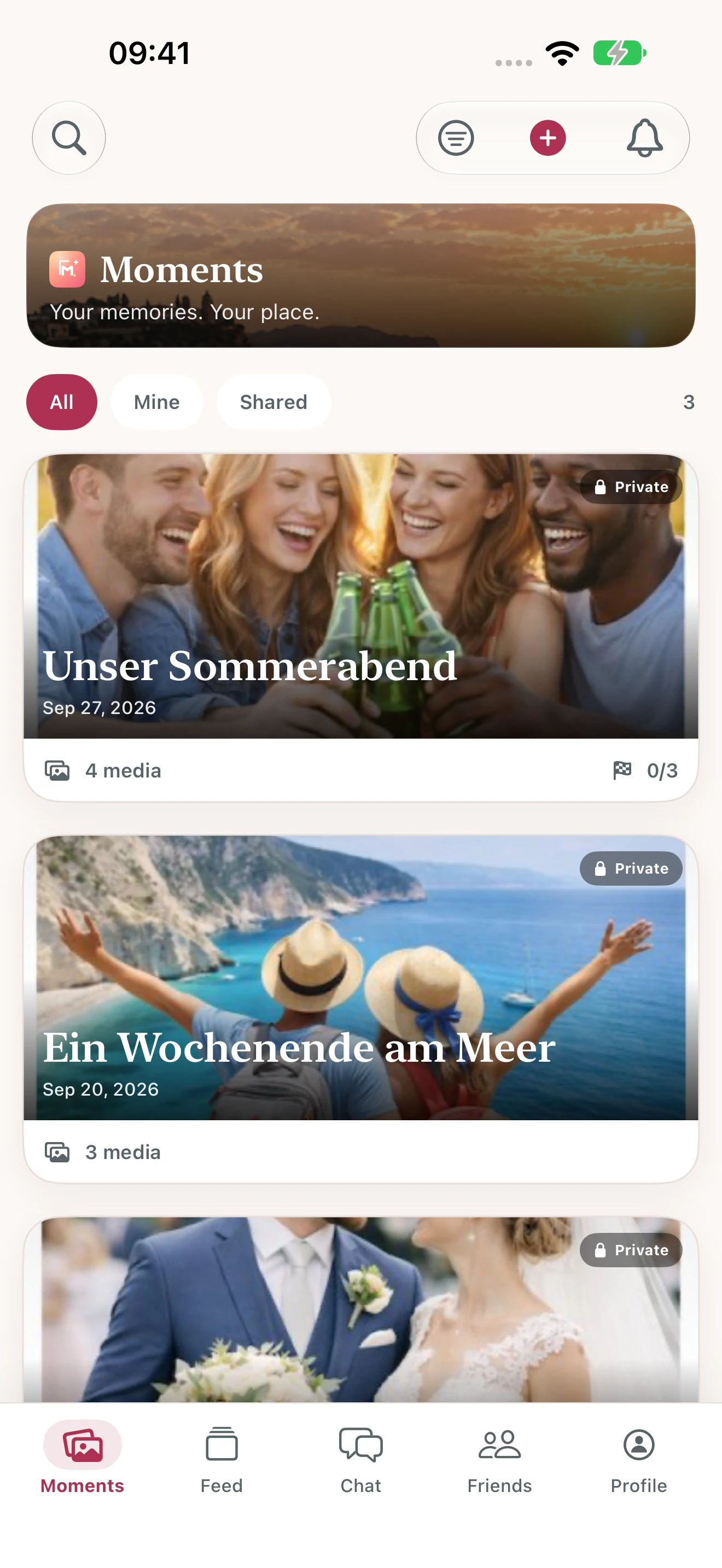
Photos and videos in one shared album.
Invitations, permissions and downloads in one place.
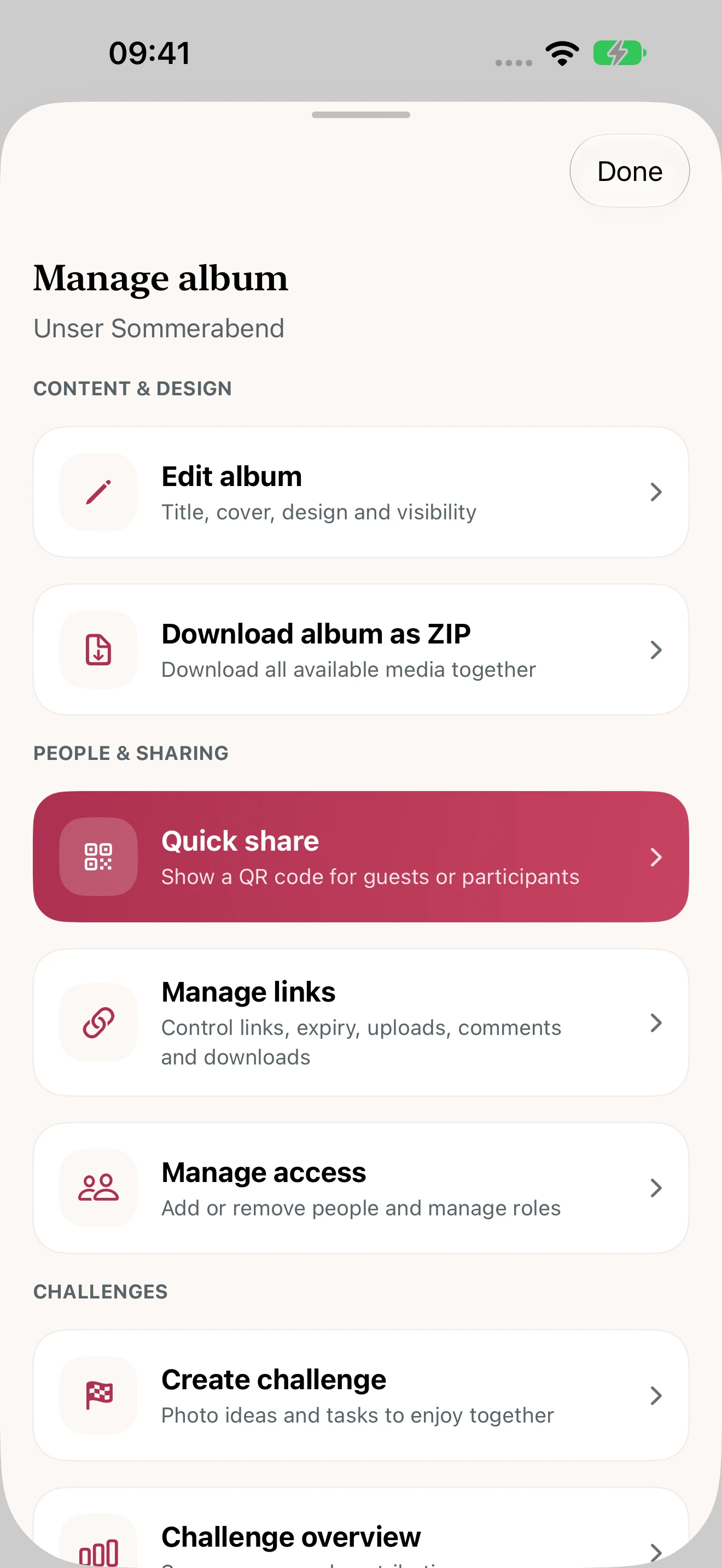
Screens show the new app design. Store updates become available after approval by Apple and Google.
NEW IN THE WEBAPP & APP 1.3
A weekend away or a trip around the world: keep photos, places and stories together in your private travel album.
Switch between photos and your map. Add places and planned stops, then open the matching photo directly from your route.
Give photos a title, description and date. Your travel journal keeps the little experiences between the pictures, too.
Prepare an invitation in the app. Share it through WhatsApp, SMS, email or your device’s share menu, with the people you choose.
The new features are available directly in the webapp. They are part of version 1.3.0 on iOS and Android; store publication is still pending.
LITTLE DETAILS. A GOOD FEELING.
Albums start private. Choose to list yours with join requests, or allow people to join directly. Individual photo and place audiences remain protected.
Save your album QR code as an image. Share it or add it to invitations for your celebration.
Download your full album as a ZIP. Keep your photos and videos together as a collection.
Photo challenges give your guests and friends inspiration for new perspectives.
A private feed, likes, comments and messages keep your conversations going.
YOUR ALBUM. YOUR CHOICE.
Not every moment is for everyone. The webapp and app update 1.3 let you choose separate audiences for photos, travel places, journal entries and your live location.
GOOD TO KNOW
Yes. Moments supports photos and videos, along with GIFs and audio in the latest apps. For large files, check your connection and upload progress.
Yes. Choose the right visibility and invite the people you want. Album management brings access and sharing permissions together.
Travel places and routes, switching between photos and the map, photo descriptions, a travel journal and invitations through SMS, WhatsApp and email. There are also private circles, memories, 24-hour texts and individual audiences for photos, places and location sharing. These features are already available in the webapp. App version 1.3.0 is not yet published in the stores.
No. You can add travel places manually. Live location sharing starts only when you explicitly choose an audience and duration. It runs while the travel album is open in the app and you can stop it at any time.
Moments is currently free to use. Create an account and start with a private album.
Yes. The iOS app, Android app and web app use the same service, so invited people can contribute across devices.
Share an invitation link or your album’s QR code. You choose the permissions for invited people in album management.
Yes. The webapp and latest apps let you download an entire album as a ZIP. Album permissions determine whether an invited member can download it.
No. Keep your album private or share it with selected people. Check the visibility and invitation permissions in album management.
Visit our support centre for help with the app. You can also reach us at info@hosting-fox.de.
YOUR NEXT MOMENT IS JUST AROUND THE CORNER
Download Moments and start your first album.
Or start in your browser
MOMENTS WEB
Sign in directly in your browser. Or create an account for your next shared moment.
New here? Create an account